
Start here
3 Simple Steps
From a clean download to your first login, the path is short and clear.
- Register your account
Secure your login, manage characters, and keep your account details ready for support.
- Download the client
Choose the Classic client or the current updater from the official Download page.
- Start your journey
Unpack the files, let the updater finish, and enter the world with your clan or on your own.
Choose your setup
Full L2Gold Client
The official download area keeps every required file in one place, with the Classic client and updater ready for the Legacy experience.
Classic Old Interface
Use the traditional Interlude interface if you want the familiar layout, controls, and old-school atmosphere.
Open Classic download →L2Gold Updater
Already have a compatible client? Run the updater to install the latest official files before launching.
Open updater download →First launch
How to start the game
Unpack the downloaded archive with WinRAR or similar software. Keep every file inside the same client folder, then open L2Gold.co Launcher.exe.
Allow the updater to finish before entering the game. If it reports an error, do not rename or delete required files — use the official Discord support channel instead.
Client folder · Updater · Account · Server Info
Play smoothly
Minimum System Requirements
| Operating system | Windows XP (SP3), Vista (SP1), 7 (SP1), 8, 8.1, or 10 |
|---|---|
| Processor | Intel Core 2 Duo 3.0 GHz or AMD Athlon 64 X2 Dual Core 6000+ 3.0 GHz |
| Memory | 2 GB RAM or more |
| Graphics | NVIDIA GeForce 8600 GT or ATI Radeon HD 2600 XT |
| DirectX | Version 9.0c or higher |
| Storage | 20 GB available space |
Know the world
Make your first hour count
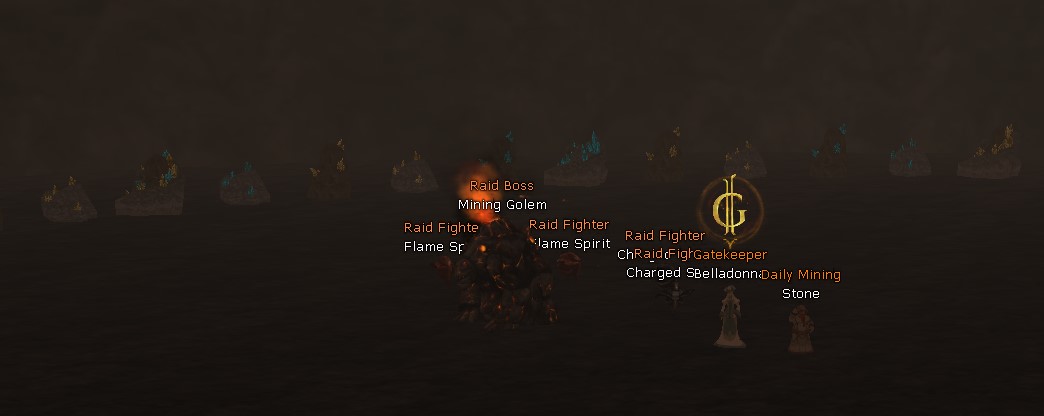
Start with a simple plan: learn the towns, check the NPC services, explore a safe hunting route, and keep an eye on the daily event rotation.
Useful shortcuts
Keep these close
.daily Daily clan missionsShift + Click Check custom drop/spoil ratesDiscord Support and announcements